
Build a Daily Plank Habit
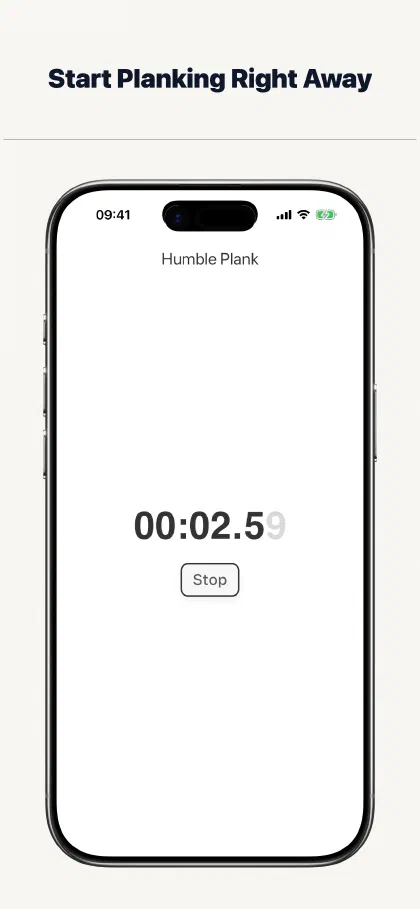
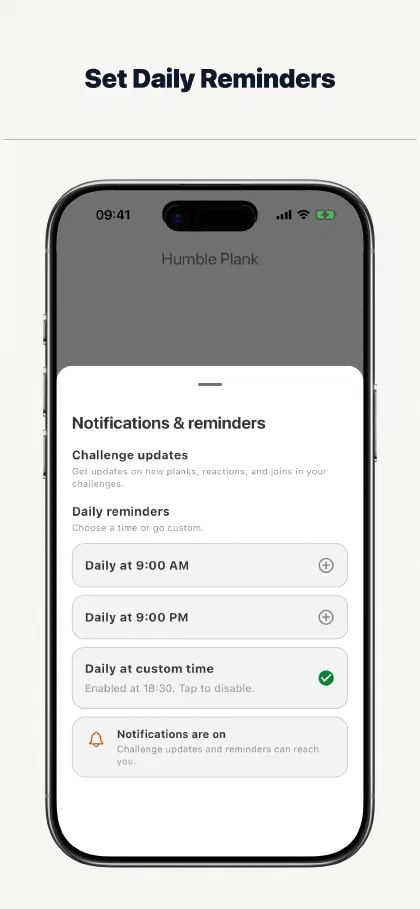
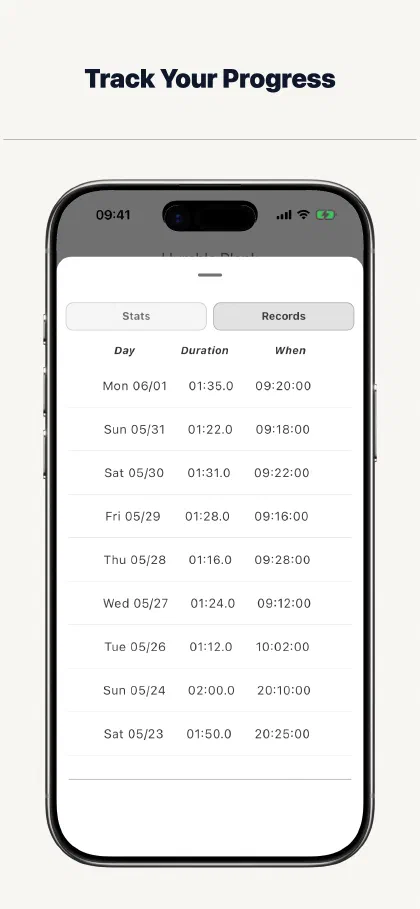
Start a plank in seconds, set reminders that fit your day, and see the sessions you complete. The Humble Plank keeps a small core habit simple.
Free to download and useNo account required to plank
The browser timer works on Android, desktop, and modern browsers. Log in to use the same plank history across the browser and iPhone interfaces.
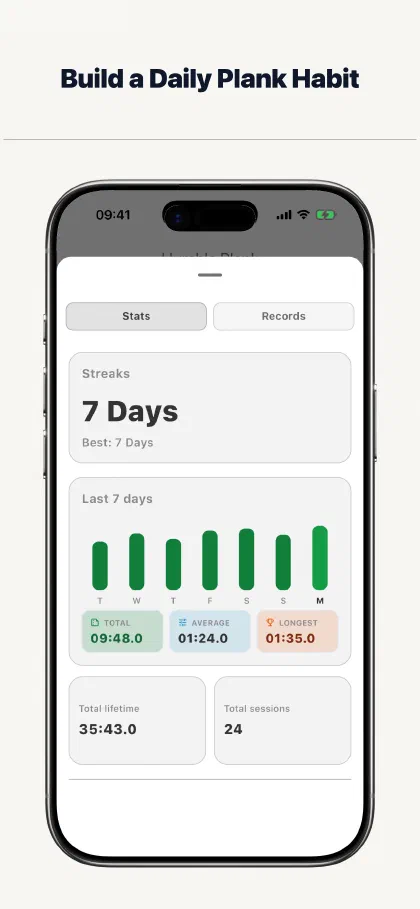
Everything you need to keep showing up
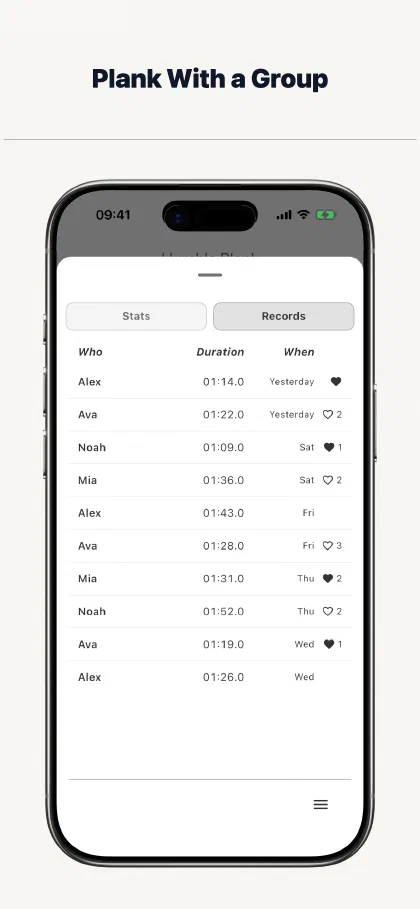
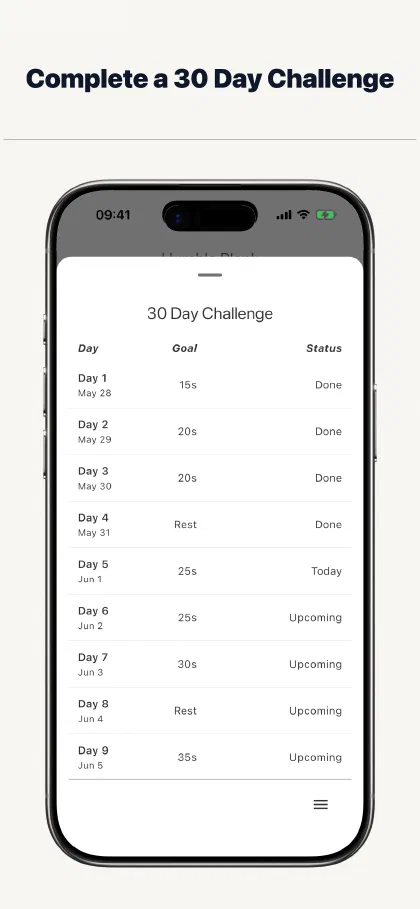
Move through the current app screens to see how a plank goes from a quick timer session to a habit you can follow over time.
A plank app that stays out of the way
Focused daily practice, not a complete fitness programme
Make today’s plank easy to complete
Choose the next step for your plank habit
About The Humble Plank
What is the best app for a daily plank habit?
The best app is one that makes each session quick to start and keeps your routine visible. The Humble Plank combines a focused timer, daily reminders, progress history, and optional challenges for iPhone users.
Can I use The Humble Plank without an account?
Yes. You can start timing planks without creating an account. An account is useful when you want to sync history or use connected features.
Is The Humble Plank free?
Yes. The Humble Plank is currently free to download and use on iPhone, and you can start planking without creating an account.
Does The Humble Plank include challenges?
Yes. You can follow a 30 Day Plank Challenge or join a group for shared progress, while keeping challenges optional when you prefer a solo routine.
Make your next plank the easy one to begin
Download The Humble Plank for a focused timer, daily reminders, progress history, and optional challenges.