Learnalist for iPhone and iPad
Save what matters. Remember it for longer.
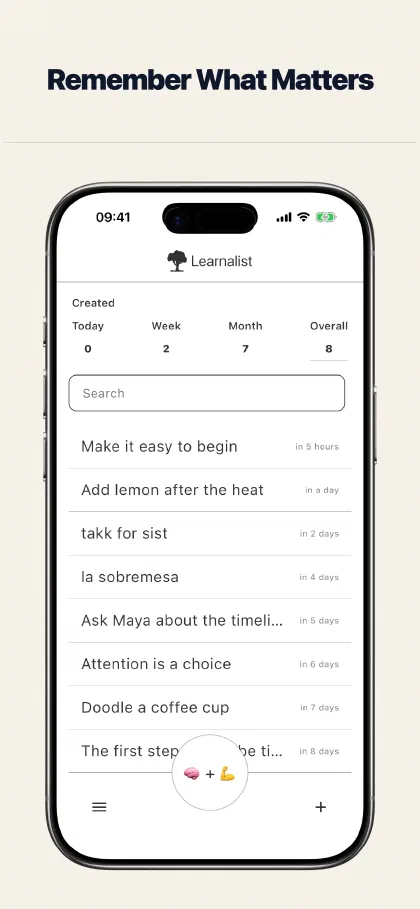
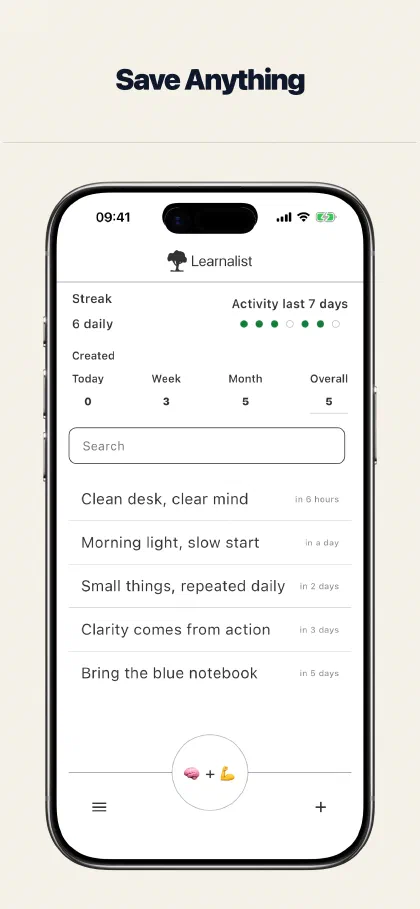
Add a word, fact, quotation, translation, image, or idea. Learnalist brings it back over time, helping you remember it for longer.
Add. Recall. Remember.
Stop saving useful things only to forget them. Learnalist keeps the process simple: add something that matters, try to recall it when it returns, then decide when you want to see it again.
Add
Capture it while it matters
Save a word, quotation, fact, note, translation, or image before it disappears into another notebook, tab, or camera roll.
Recall
See it at the right time
Learnalist schedules each note from minutes to months, bringing it back before it fades from memory.
Remember
Learn at your pace
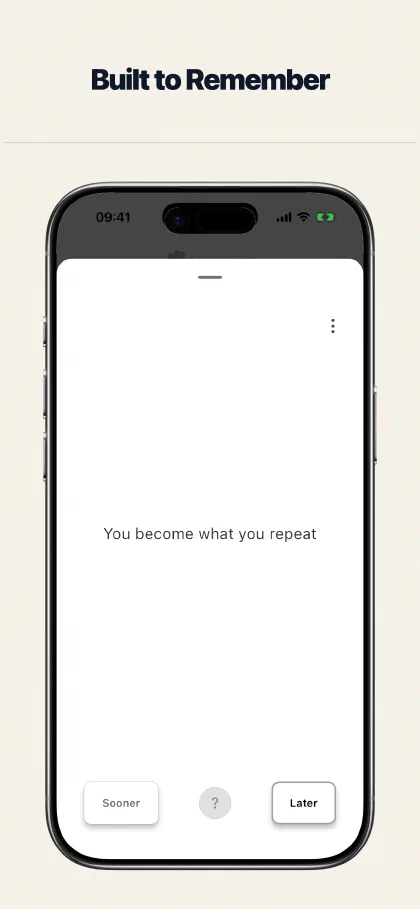
Try to remember before revealing the answer, then choose Sooner or Later based on how the recall felt.
Your collection, ready when you are
See how Learnalist helps you save, recall, practise, and find the things you want to remember.
Save more than flashcards
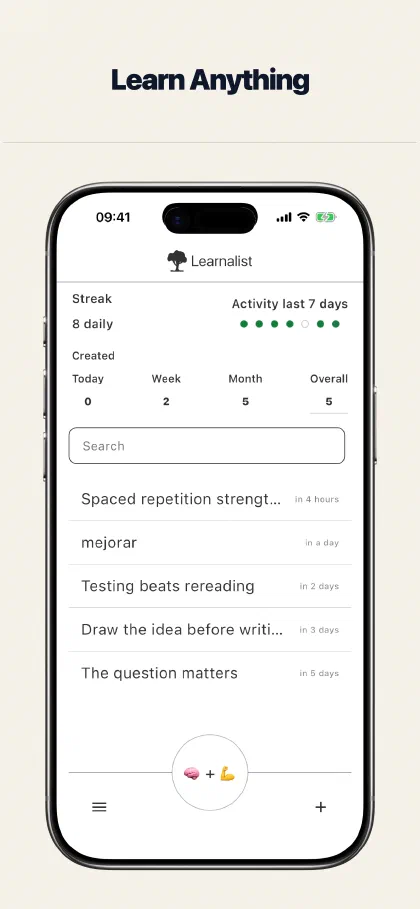
Keep the context that makes something meaningful. Learnalist works for language learning, reading notes, study facts, and the small ideas you do not want to lose.
Words and translations
Keep both sides together
Save vocabulary, phrases, definitions, and translations for later recall.
Quotations and sources
Remember where an idea came from
Keep a quotation with the source or link you will want when it returns.
Facts, notes, and ideas
Turn useful material into recall
Save a fact or thought in a form you can revisit without building a rigid card deck.
Images and annotations
Capture what words cannot
Add a photo from your library or camera, or paste one you copied. Annotate the detail that matters and save the image with your Learnalist account.
Recall it your way
Reading an answer is not the same as remembering it. Choose the kind of recall that suits the material and the moment.
Timing
Sooner or Later
Tell Learnalist whether an item should return sooner or later. The choice stays simple and personal.
Active recall
Write it or rebuild it
Draw an answer with Doodle Recall or rearrange a phrase with Unjumble. Optional on-device handwriting recognition can learn your writing and custom characters.
Focused sessions
Practice lists
Gather related items into a practice list when you want to work on a particular subject.
Made for calm, personal learning
Learnalist fits around your attention, without a rigid study plan to fall behind on.
Your attention
Optional reminders
Use notifications when they help, or keep them disabled and open Learnalist on your own terms.
Your collection
Find it and make it yours
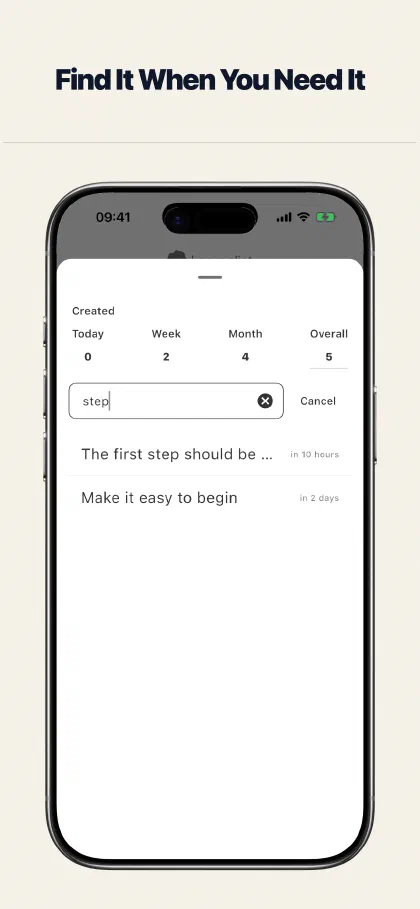
Search everything you have saved, then customise backgrounds and readable cards to suit you.
Your way of working
Share when useful
Share notes or lists as images, looping videos, or PDFs when you want to take them elsewhere.
Start free
Create your first 200 notes free, with every feature included. When you need more, Annual Access unlocks unlimited note creation for one year. It does not renew automatically.
Download Learnalist or learn more